Does TimeSlot change my existing calendar events?+
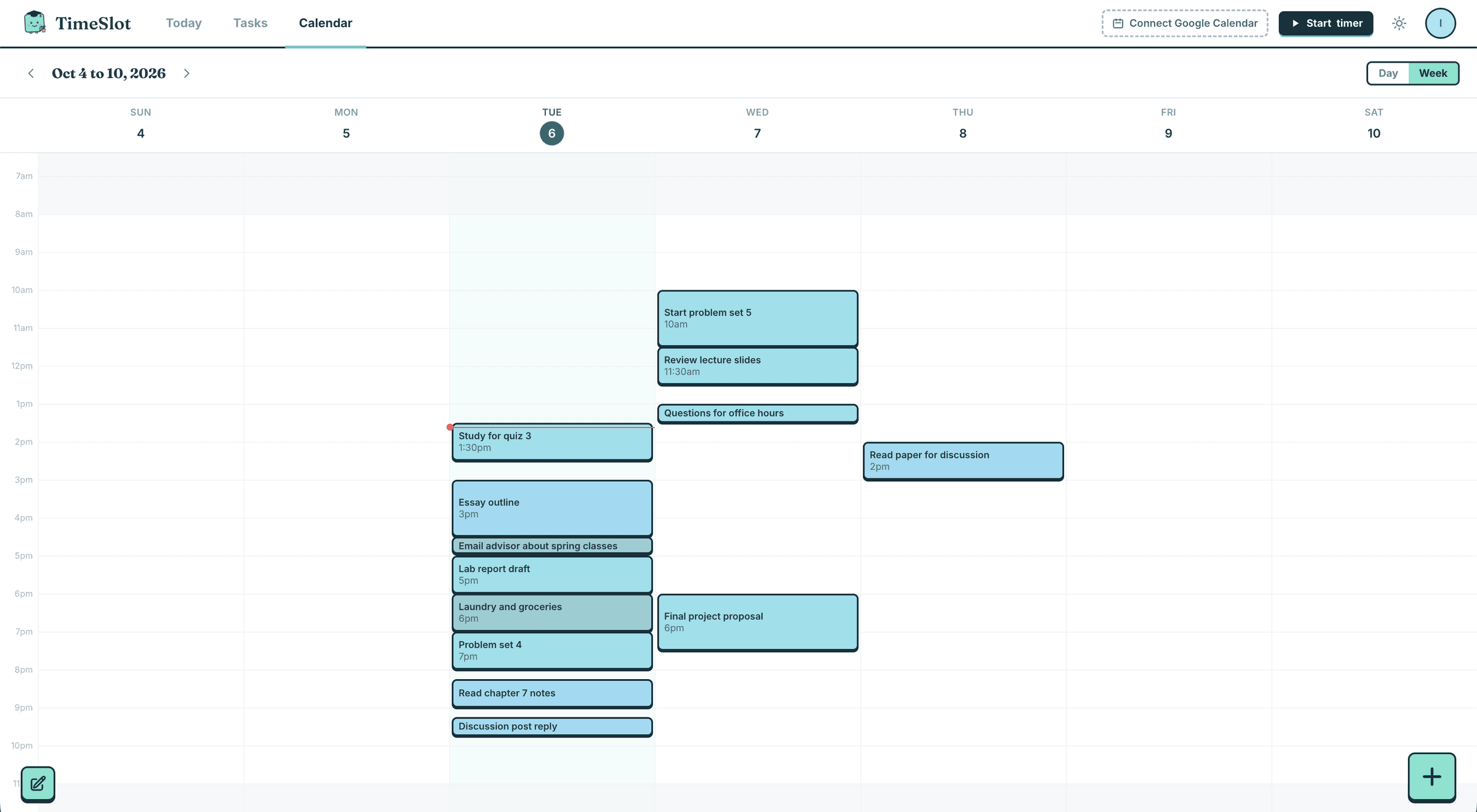
No. Classes, work and meals are only read so TimeSlot can plan around them. It never moves or edits them. Everything TimeSlot adds can be edited, moved or deleted.
How does it get my assignments?+
Connect Canvas with an API token, or paste your Canvas calendar link if you cannot create a token. Google Classroom connects with one click. You can also just type or say what is on your mind.
Is it free?+
Every new account gets 2 months of Premium with no card needed. After that it is $2 a month for students, and you can cancel any time.
Is it good for students with ADHD?+
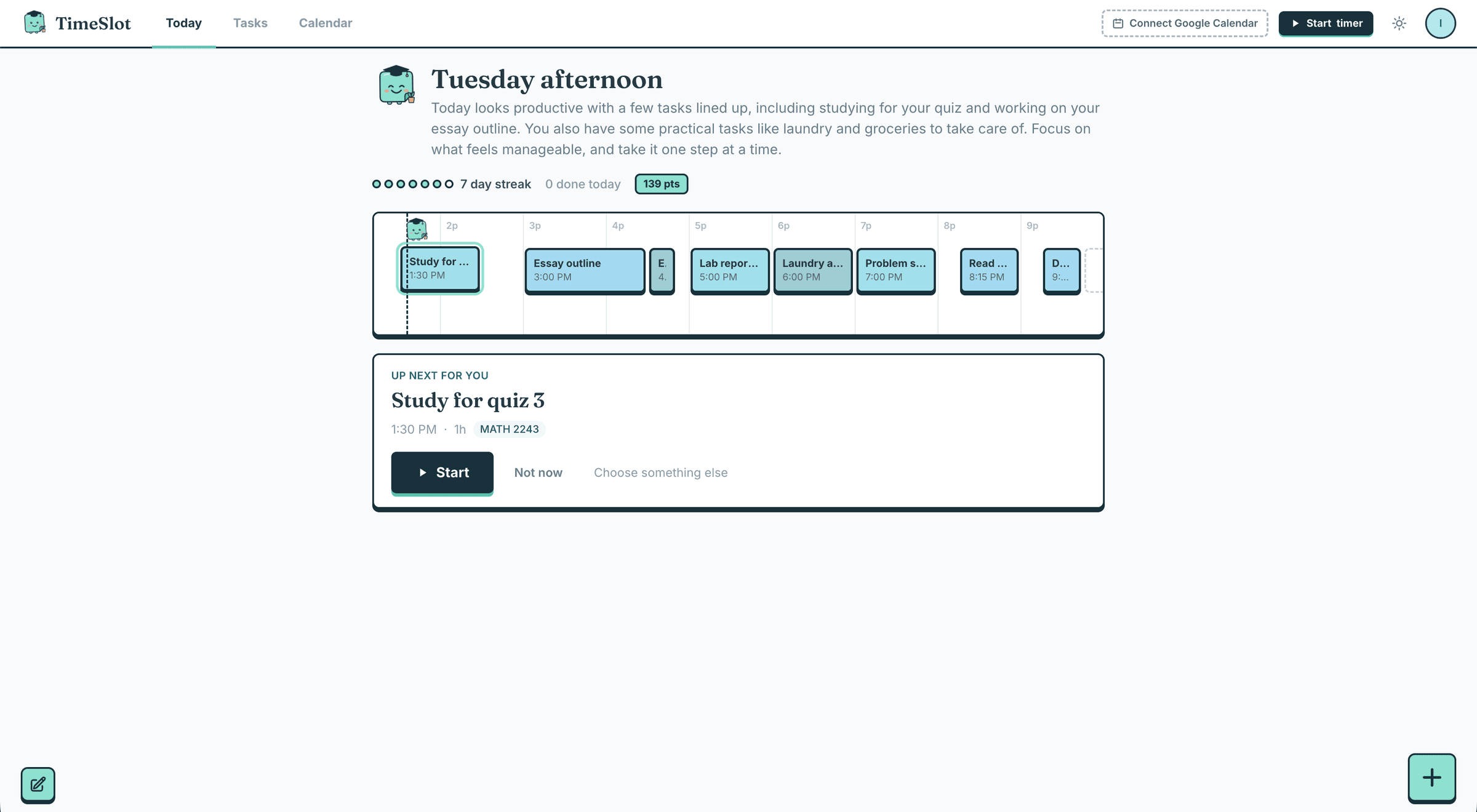
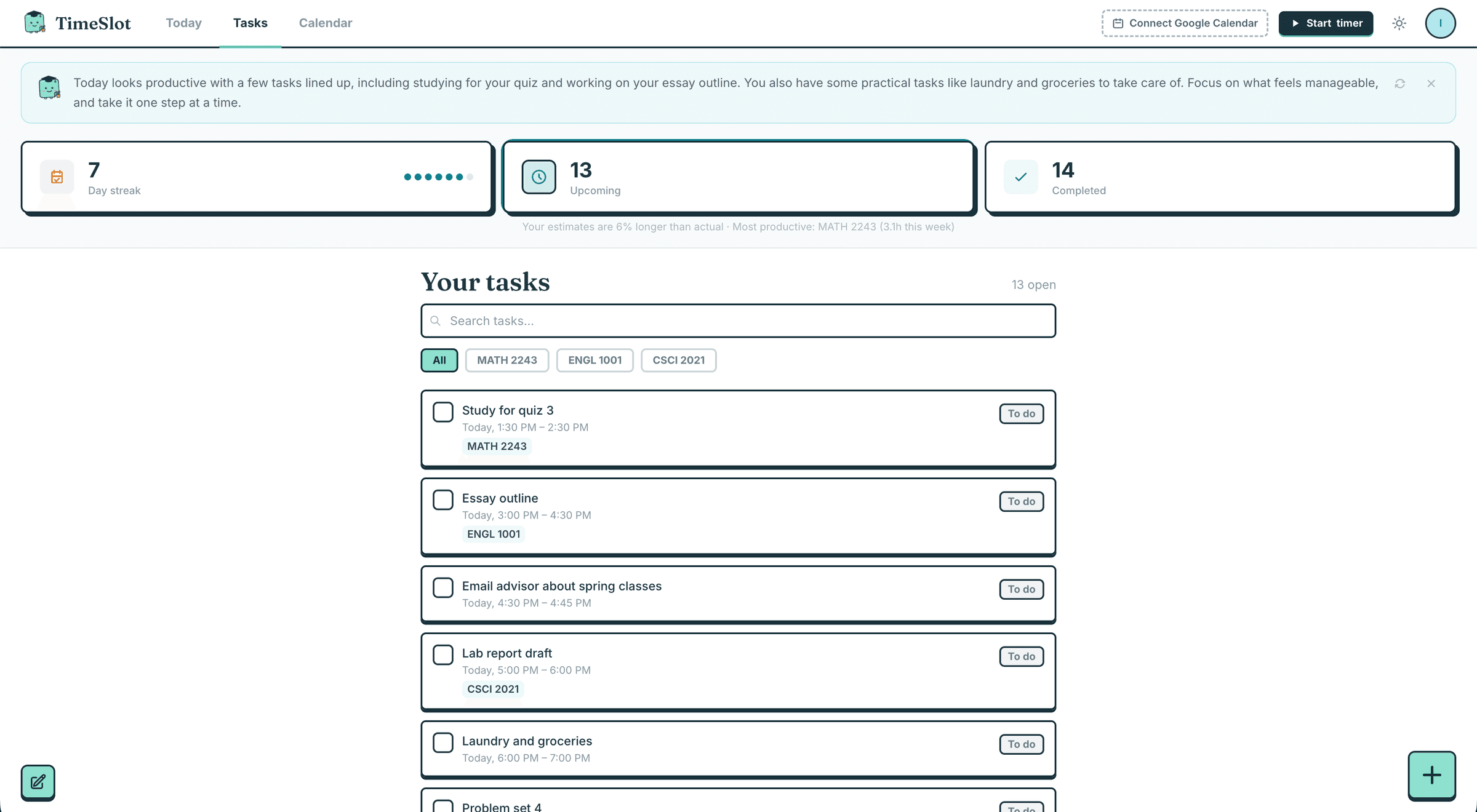
It was built with that in mind: big assignments become small first steps, time estimates learn from your own timer, and streaks are gentle instead of punishing. It works well for any student who finds planning hard.
What happens to my data?+
We do not sell your data. You can delete your account and everything on it from Settings at any time. The Privacy Policy has the details.
Can I use it on my phone?+
Yes. TimeSlot works in your phone browser and can be added to your home screen like an app.
How do I reach you?+
Use the contact form at the bottom of this page.